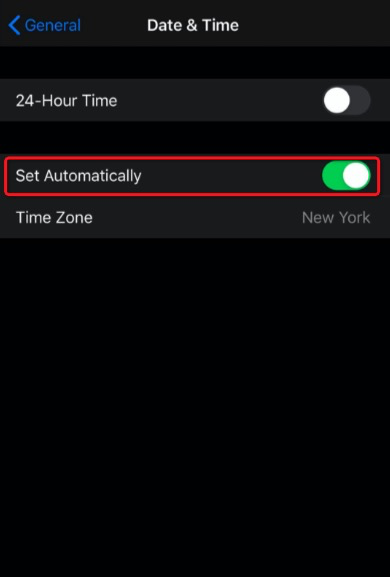
On your phone’s Settings app, go to General>Date & Time, and make sure you enabled “Set Automatically.” Doing so should allow the dynamically generated code to be verified accurately.
If you still have trouble with the Authenticator, please feel free to live chat us under "Me > Contact us". You can also email tradeupsupport@marsco.com for more information.