Please download TradeUP Authenticator if you haven’t yet. This app will be required for sensitive operations concerning your funds.
Go to Me>Live Account>Deposit of Funds.
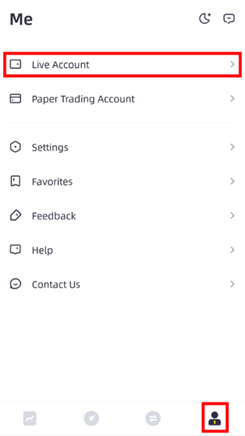
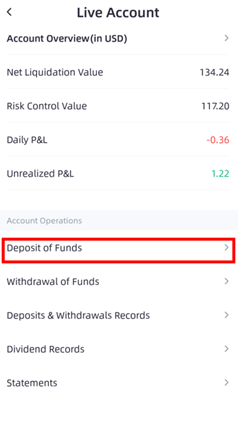
You will need to enable 2-Step Verification for your first deposit. Please click enable now and enter your login password. Then, link your TradeUP Authenticator.
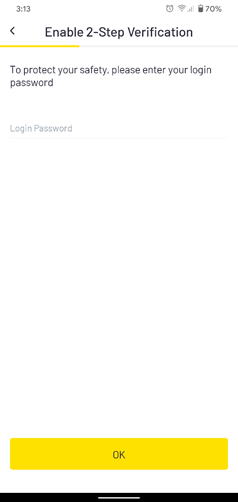
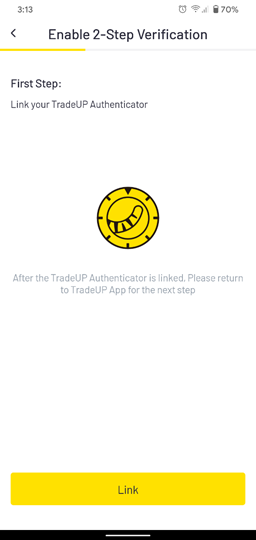
Click Enable Now and enter the 6-digit code on your Authenticator. Make sure to save the QR code.
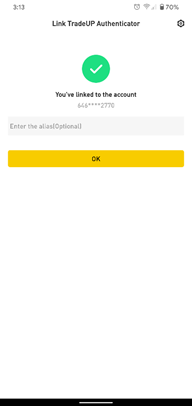
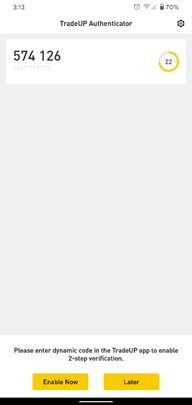
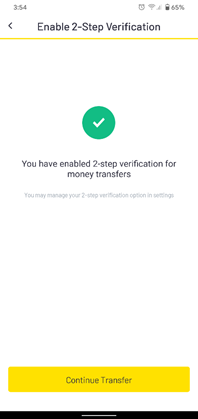
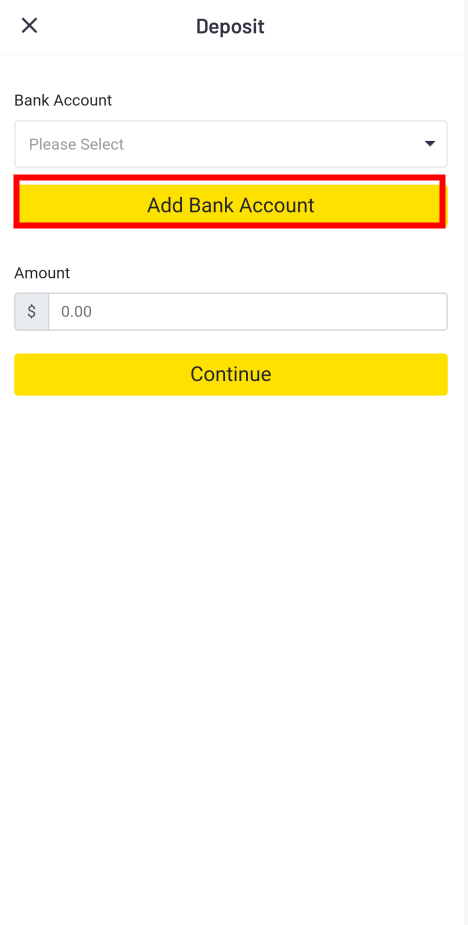
Select ACH Transfer and Add Bank Account. Select your bank and log onto your online bank account.
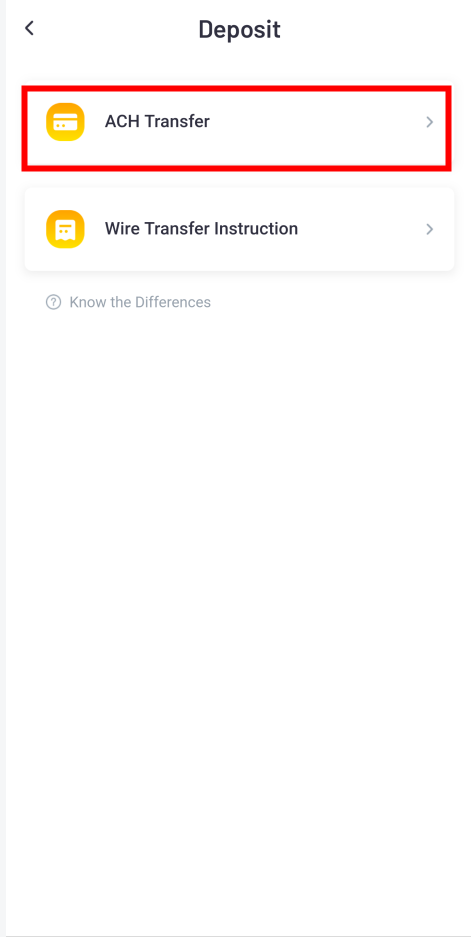
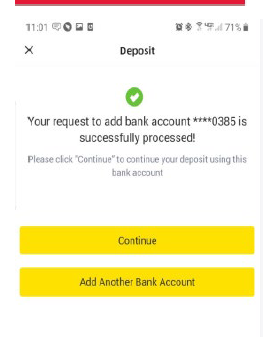
It usually takes a few minutes for your bank account to be verified.
Then, you can request a deposit.